

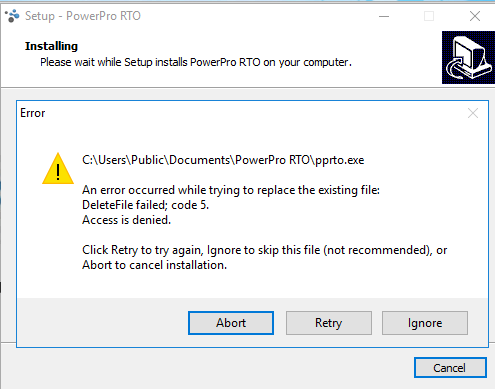
This error happens when installing an update and the new workstation file is not able to replace the current workstation file, due to not being able to overwrite the executable file. This is due to the user's Windows user permissions
Why does this happen?
This happens if your Windows user does not have enough privileges. This happens often in company computers where regular user accounts are restricted by IT policies
How can I make fix this error?
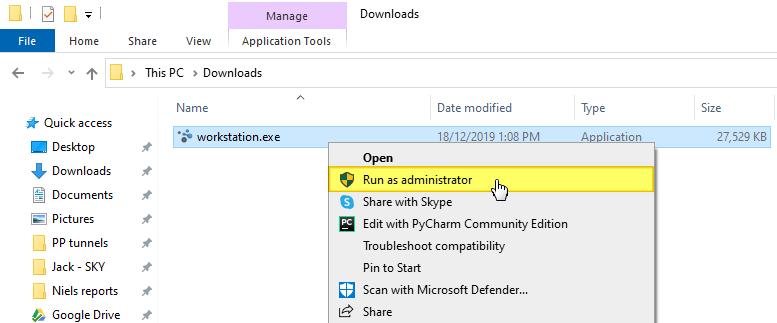
Before you run the installation you can try right clicking the installer (workstation.exe) executable and running it as administrator (see below):
If this does not work please to contact your IT department and ask them to assist with the installation process