

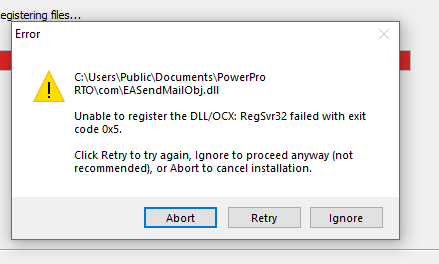
This error means your Windows account does not have enough privileges to install a dynamic library - the SMTP email component of PowerPro RTO in this case. PowerPro will still work however a specific component (Emailing out using SMTP) will be disabled for now. We recommend proceeding with the installation by clicking on the ignore button.
Why does this happen?
This happens if your Windows user does not have enough privileges to register a DLL. This happens often in company computers where regular user accounts are restricted by IT policies.
Do I need this library to be installed?
If you are wanting to use SMTP Email or send SMS messages through PowerPro, this component should be installed.
How can I make sure these libraries are installed?
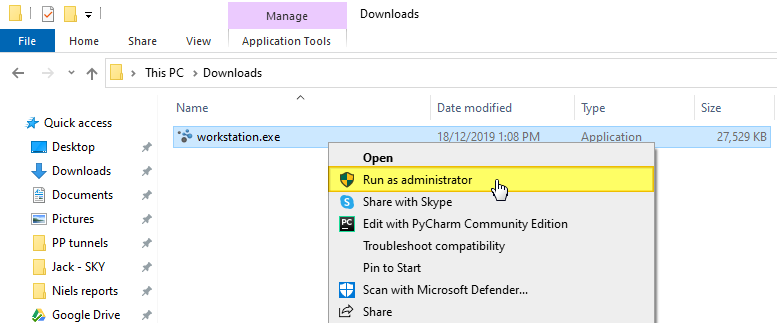
Before you run the installation you can try right clicking the installer (workstation.exe) executable and running it as administrator (see below):
If this does not work please to contact your IT department and ask them to assist with the installation process.