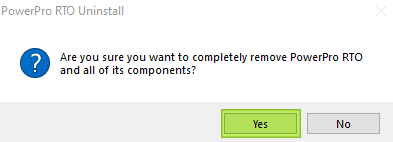
To uninstall PowerPro from your system please follow the below steps:
Step 1: We need to go to the PowerPro folder on your system
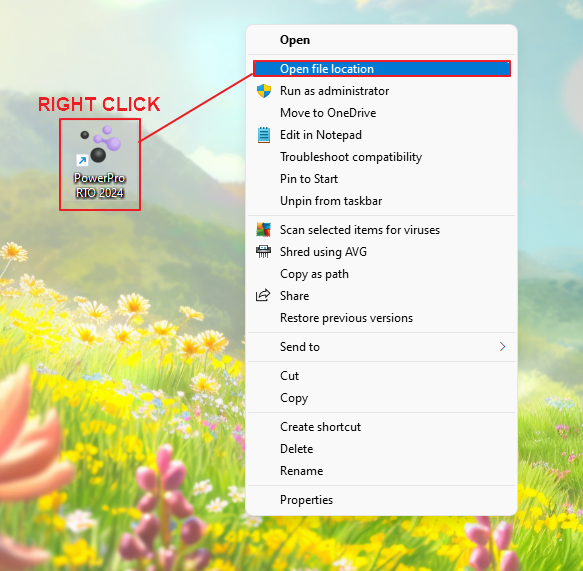
To find this, we need to right click the PowerPro icon on your Desktop and click "Open File Location"
2: When you are in this folder, we need to find the program called "unins000.exe"
Run this file and follow the uninstall instructions
Once you have run through this process you have successfully uninstalled PowerPro