

Important Note: this guide is for updating the minor version of PowerPro (e.g. 2024.1 > 2024.5) not the major yearly version (e.g. 2023 > 2024)
If you wish to update your yearly version please click here for instructions
Option #1 - Updating through PowerPro
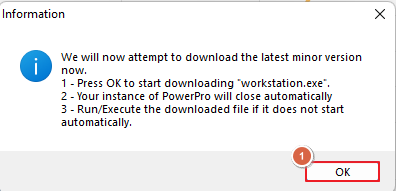
From the Tools main menu click the button for 'Get latest Version' it's important to note that this will close PowerPro your download should start after you click okay on the popup that follows (see below screenshots for clarity)

Option #2 - Downloading the newest version from PowerPro's website
Using your internet browser navigate to: www.powerprorto.com.au and click on the Resources tab then click on the PowerPro 2024 Application Installer
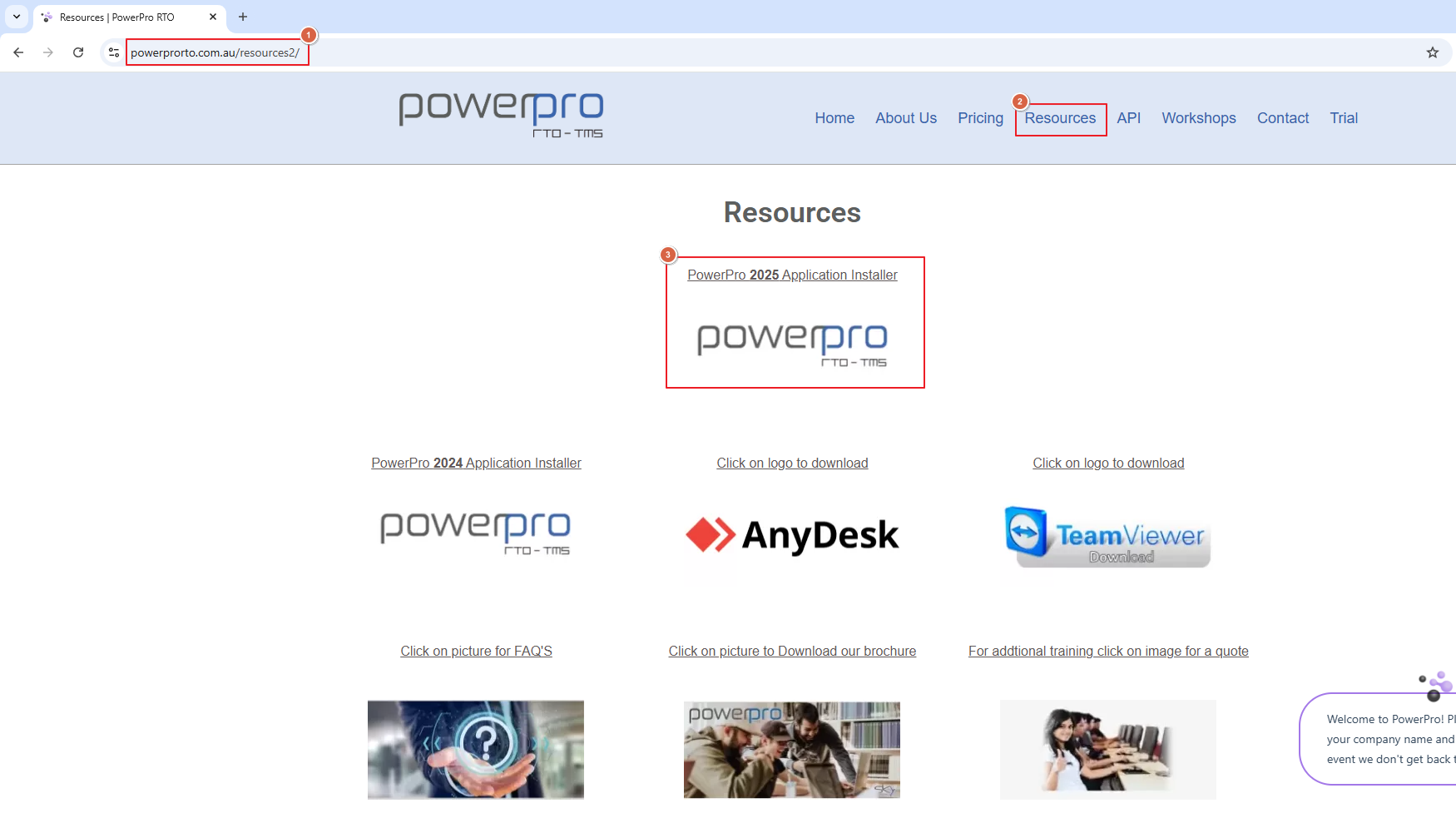
Both options will start the download of the latest version, if once the download is complete the installation doesn't automatically begin simply click the downloaded file to begin.
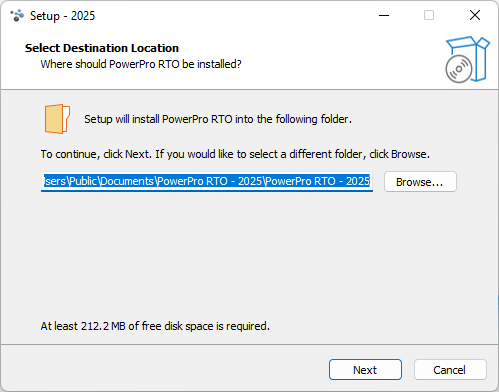
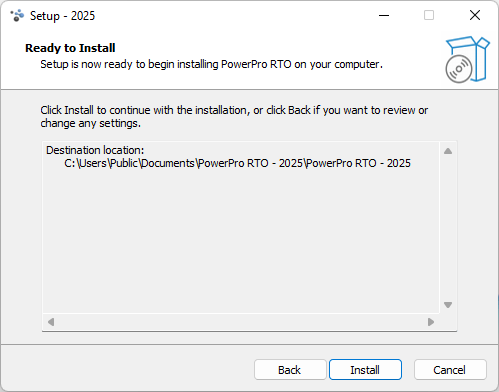
Once the installation has begin the process looks like the below screenshots:
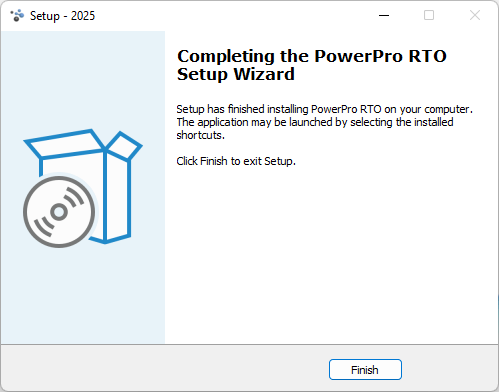
Once you've completed the installation you can open PowerPro again and you will be on the latest available version
Job well done!