

When a client changes their name for example when they get married or divorced, there are two steps required
One that needs to be done by the client and one by the RTO
1. The client needs to login to USI and update their name there
Once that is completed, have them let you know that it is done and move to step 2
2. In PowerPro, the RTO can update the client's name accordingly, do this via Clients > Edit Client
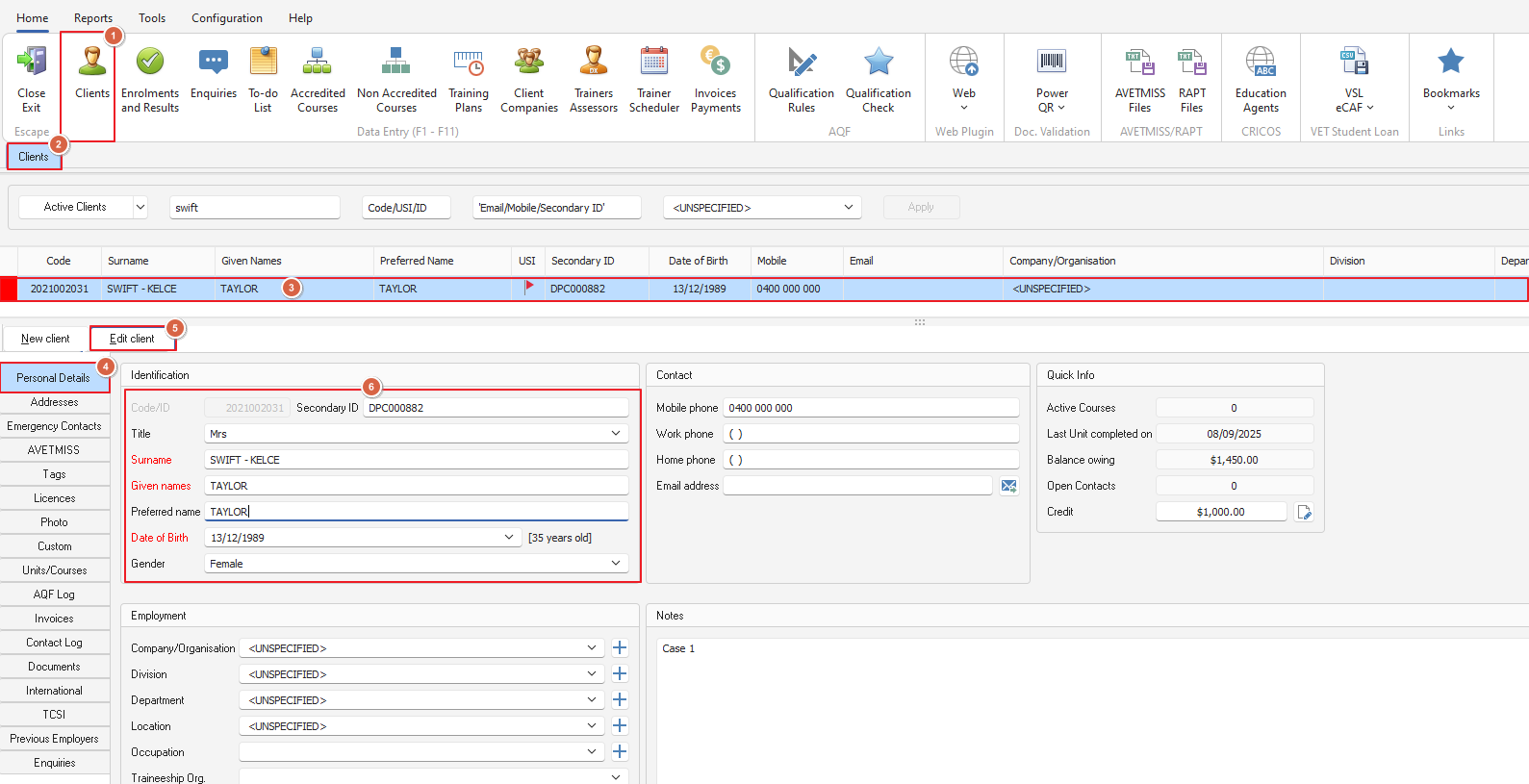
On saving the updated name, the USI flag will revert to yellow and the RTO will be required to reverify the USI