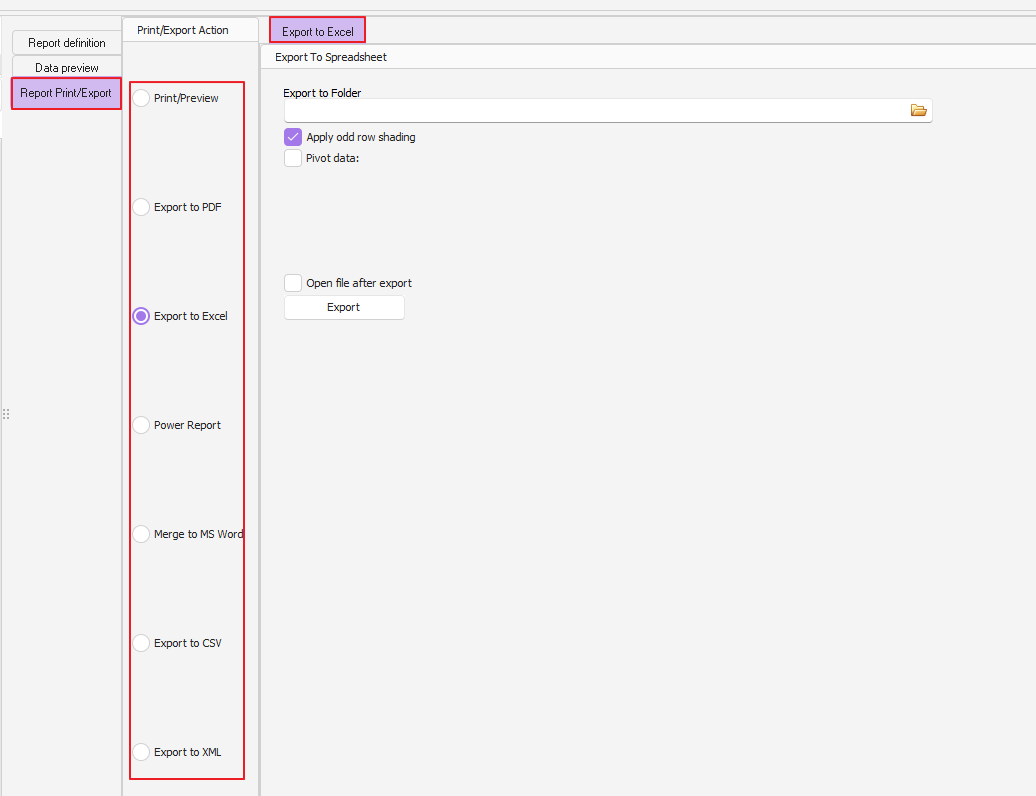
To run a custom report please follow these steps:
1) Open the Reports > Custom reports window
2) Select the relevant report from the Report list (on the left side)
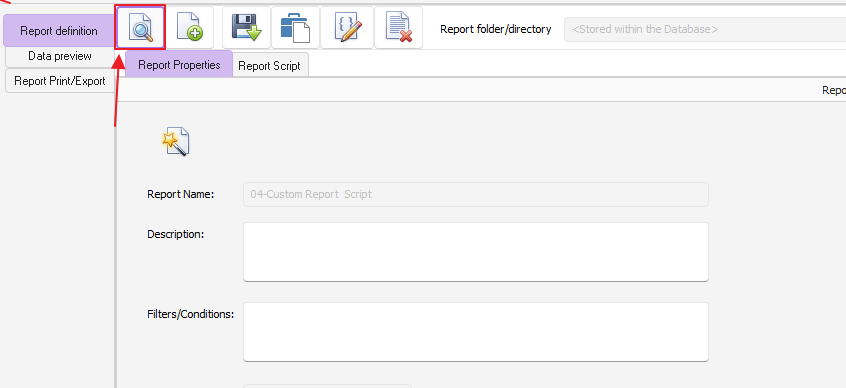
3) Click on the magnifier run button to view the report data:
Now that you are viewing the report data, you can click on the "Report Print/Export" in order to print or export the report data to Excel, CSV or PDF: