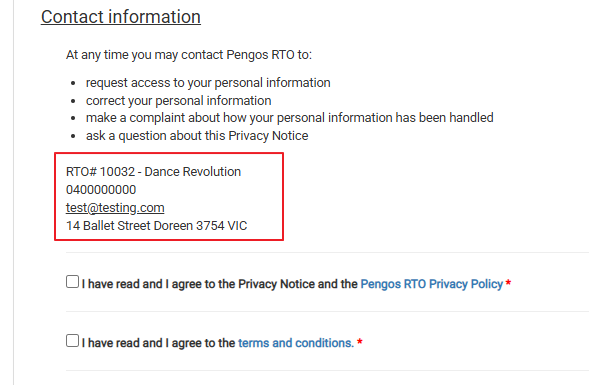
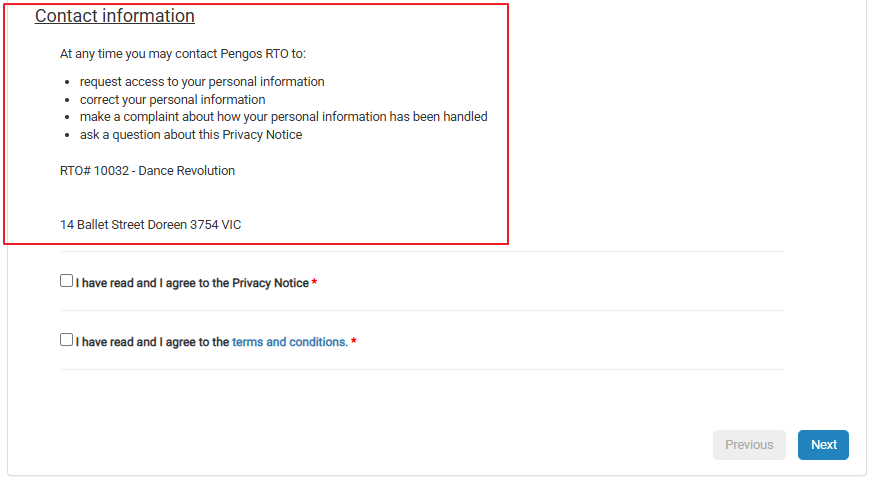
Have you noticed that the contact information on your web enrolment form needs updating?
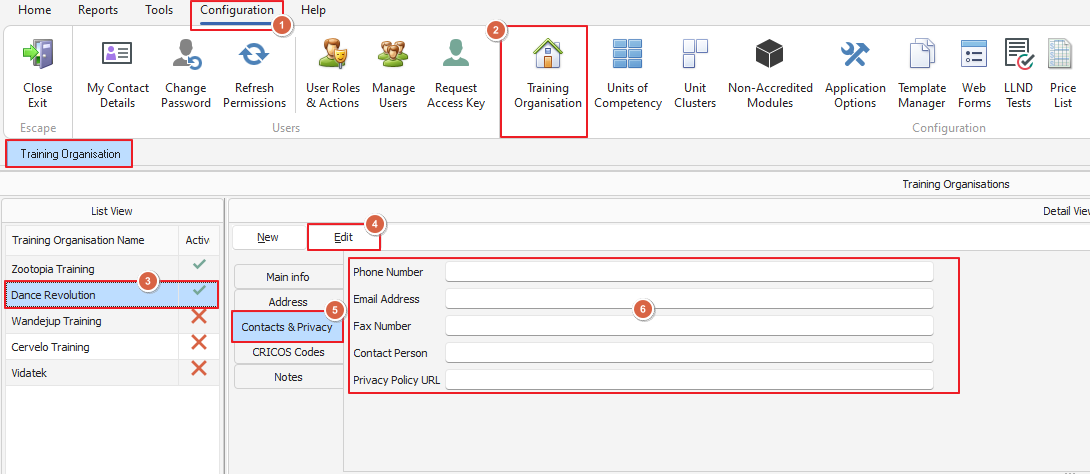
Let us show you how: from the Configuration Menu in PowerPro we're going to select the Training Organisation button and the relevant training organisation (yours likely won't have as many options as our test database!) click the edit button and make your changes
This opens the Training Organisation screen from here we're going to select our training organisation, select Edit and the Contacts & Privacy section to fill in our details
Once you've finished click save (this button will only appear after Edit is clicked) and we'll need to do a web sync to make sure our changes upload
Navigating back to the Home menu in PowerPro we'll click the Web button and select Sync Web Course list from the dropdown options

This will open the Web upload Course list window, check the details are correct and click OK
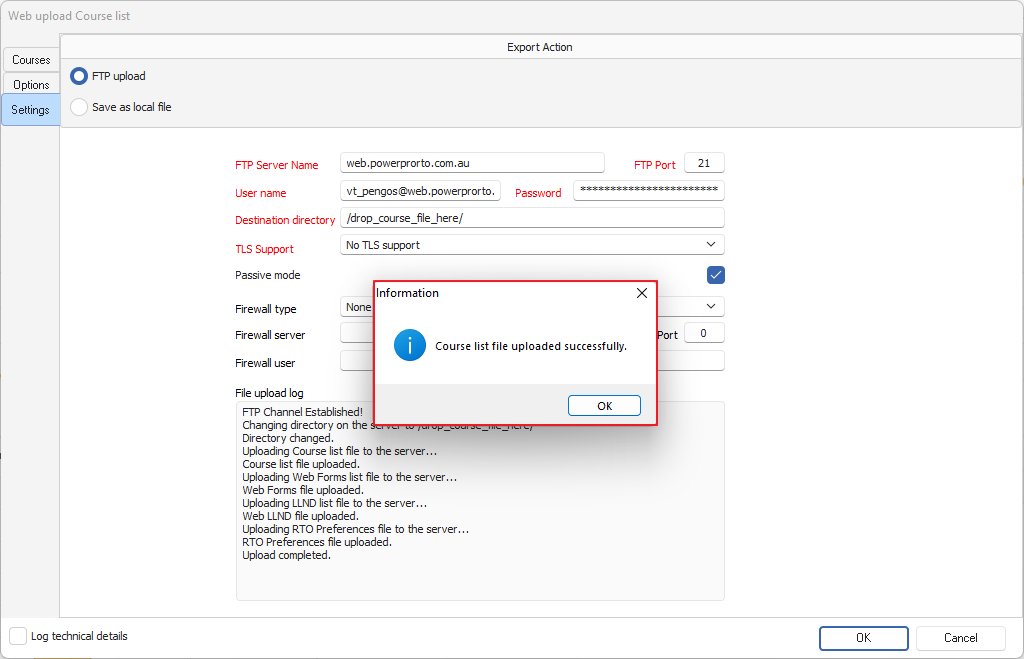
Once we click okay it will sync for a moment or so and then pop up with the below screen letting us know we were successful
Now we go back to our course listing and we can see our changes are now live!